I use voice dictation every day. It's become one of those tools that quietly changes how you work - you stop noticing how much you're using it until the day it's slow and you realise how dependent on it you've become.
That happened to me today with Wispr Flow. It was so slow I had to go into my history and copy and paste what I'd said just to use it. Which completely defeats the point. More on that shortly.
The reason I'm writing this now is because the dictation space has changed significantly in the last few months. Google entered quietly with no announcement. Anthropic added voice to Claude Code. A UK founder I follow launched something worth keeping an eye on. And the tool I currently use has some real questions hanging over it despite the high-profile backing.
Here's where things stand.
Wispr Flow
Wispr Flow is the tool I currently use and, on a good day, it's genuinely impressive. Press a hotkey in any app - Gmail, Slack, Claude, anywhere - speak naturally and get clean polished text in seconds. It removes filler words, corrects grammar and adapts the tone to the context. A Slack message comes out casual. An email comes out more professional.
The backing is serious. In November 2025 Wispr raised $81 million in total funding, with Steven Bartlett's Flight Fund participating in the most recent round. Bartlett is also a user - he's been vocal about using it daily across his businesses. Ali Abdaal has also mentioned it publicly. When people like that are endorsing something it tends to mean something.
But the Trustpilot rating tells a different story: 2.6 out of 5 from 43 reviews. The consistent complaint is reliability degradation after the trial period ends - users reporting it works well initially then becomes inconsistent. There are also privacy concerns around cloud processing, and a February 2026 Reddit thread titled "The Wispr Flow Trust Gap" got significant traction in the Mac community.
My own experience sits somewhere in the middle. When it works, it's excellent. When it doesn't - like today - it's more frustrating than just typing.
Pricing: Free tier (2,000 words/week), Pro at £15/month in the UK.
SuperWhisper
SuperWhisper takes a different approach. Rather than cloud processing, it runs on-device using Whisper models - meaning your audio never leaves your machine. That's a meaningful distinction for anyone with privacy concerns or who works with sensitive information.
It's available on macOS, Windows and iOS - works in any app, one hotkey, system-wide. The user ratings back it up: 4.9 out of 5 on Product Hunt and 97% excellent on MacSources as of April 2026. The consistent praise centres on transcription accuracy, privacy and the developer's responsiveness to user feedback.
The tradeoff is complexity. Setting it up and configuring the modes takes more effort than Wispr Flow. It's not quite "install and go." But for users who want deep customisation and genuine privacy, it's the strongest option in the space right now.
Pricing: Free tier available, Pro at $8.49/month or $84.99/year. A lifetime option is also available.
Glaido - one to watch
Glaido is the newest name on this list and the one I'm watching most closely. It's currently in beta, which means independent reviews are limited - but who is behind it matters.
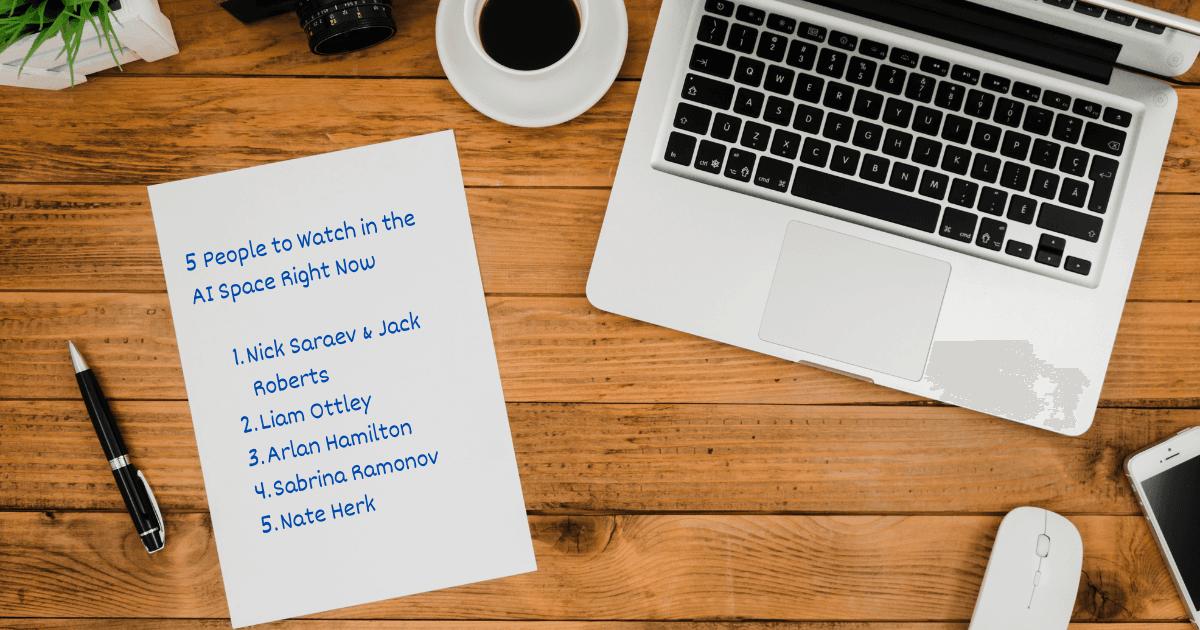
Jack Roberts is a Top 100 UK entrepreneur who built and sold a tech startup with 60,000+ customers before pivoting to AI. He now teaches over a million people on YouTube and runs a seven-figure AI automation business. He also co-hosts Stacked with Nick Saraev - one of the better AI podcasts in the space right now. When someone with that track record builds something and puts their name on it, it's worth paying attention.
Glaido's pitch is straightforward: stop typing, start talking. Speak naturally, get clean ready-to-send text in any app and save 20+ hours a month. One hotkey, real-time filler word removal, automatic grammar and punctuation - and it works across Gmail, Slack, Claude, Cursor and anywhere else you type. It's privacy-focused too - audio is stored locally and never saved to their database.
Worth noting: Glaido is currently available on macOS only. If you're on Windows it's not an option yet.
It's early days, and being in beta means rough edges are expected. But the combination of a credible founder, a clear product vision and a competitive free tier makes this one worth trying now rather than waiting for the launch fanfare.
Pricing: Free (2,000 words/week, no credit card required), Pro at $20/month with unlimited usage, 100+ languages and custom snippets.
Google AI Edge Eloquent
On April 6th Google quietly dropped a free dictation app on iOS with no blog post, no press release, no announcement of any kind. It just appeared in the App Store.
Google AI Edge Eloquent runs entirely on-device using Gemma-based models - so no internet connection required and no audio sent to external servers. You speak, it transcribes in real time, removes filler words and polishes the output. You can then transform the text into different formats - formal, short, long, key points. It copies to your clipboard and you paste wherever you need it.
On iOS it's not truly system-wide yet - you dictate in the app then paste elsewhere. The Android version, which hasn't launched yet, promises to change that - it'll be available as a default keyboard with a floating button for access across any app. When that lands, a free system-wide dictation tool from Google becomes a serious conversation.
Early user reviews suggest accuracy is decent in quiet environments but trails Wispr Flow and SuperWhisper in noisy conditions.
Pricing: Completely free. No subscription, no usage caps.
Claude - voice input
Worth mentioning briefly: Anthropic added voice input to both the Claude desktop app and Claude Code in early 2026. In the desktop and web app you'll see a microphone icon in the chat input - tap it and speak. In Claude Code's terminal environment, type /voice to enable it then hold the spacebar to dictate. Both are included at no extra cost for paid subscribers.
The important distinction: this is contained within Claude's own ecosystem. You can't use it in Gmail, Slack or anywhere outside of Claude. For founders who want a dictation tool that works everywhere, you still need one of the options above.
So where does this leave us?
The dictation space has gone from a niche productivity tool to a genuinely competitive market in a matter of months. Google entering for free changes the calculus for everyone. Anthropic is moving into the space, even if only within their own ecosystem for now.
If you want the most polished cross-platform experience and you're not overly worried about cloud processing: Wispr Flow - with the caveat that reliability can be inconsistent.
If privacy is a priority and you're willing to invest some setup time: SuperWhisper.
If you want to get ahead of something early and support a founder building in public: try Glaido while it's in beta (macOS only for now).
And if you're on iOS and just want to try dictation for free with no commitment: Google Eloquent is sitting in the App Store right now.
Trying to work smarter with AI tools? Come and join the conversation at Vibe Coding Lab - it's free.